Emoji styles compared
An emoji is a character, like a letter, and each device draws it in its own design. That's why the same emoji looks different on Windows, a Mac, and Android. Easymoji shows each emoji in four styles on a Mac and three on Windows.
Compare styles in Easymoji
- Ctrl+EOn Windows
- Command+EOn a Mac
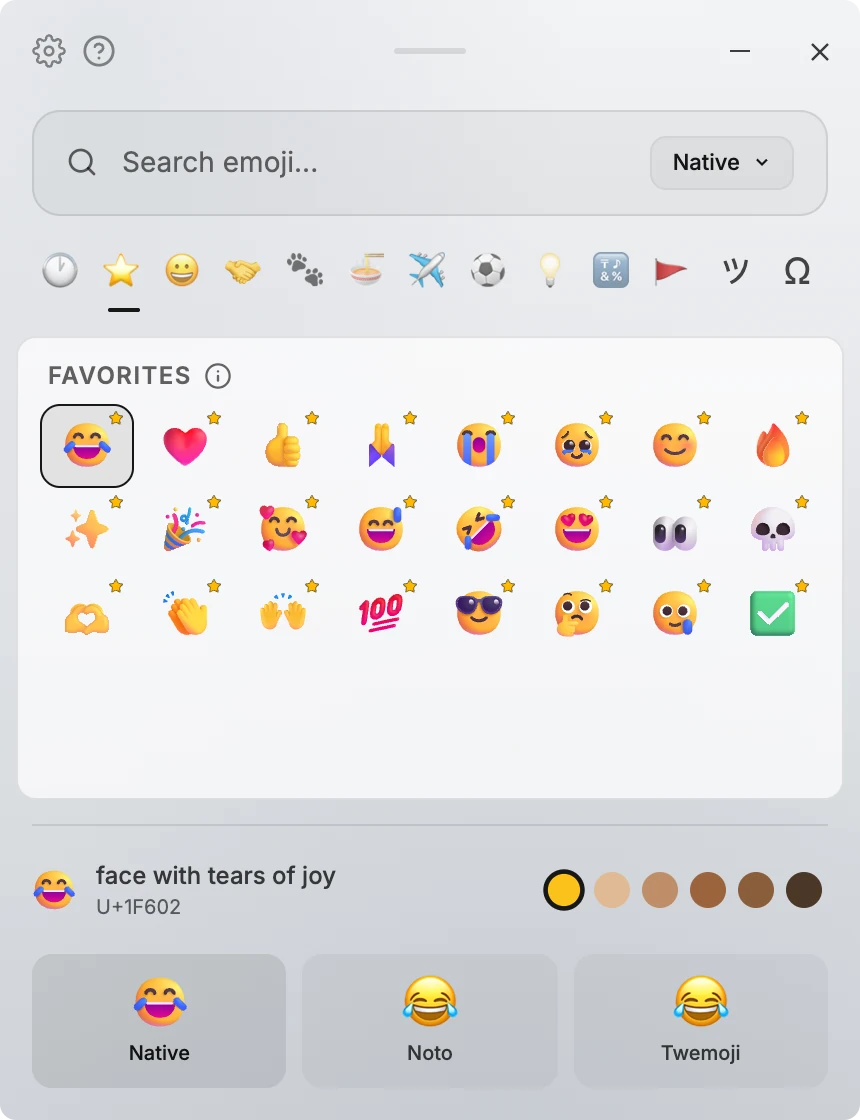
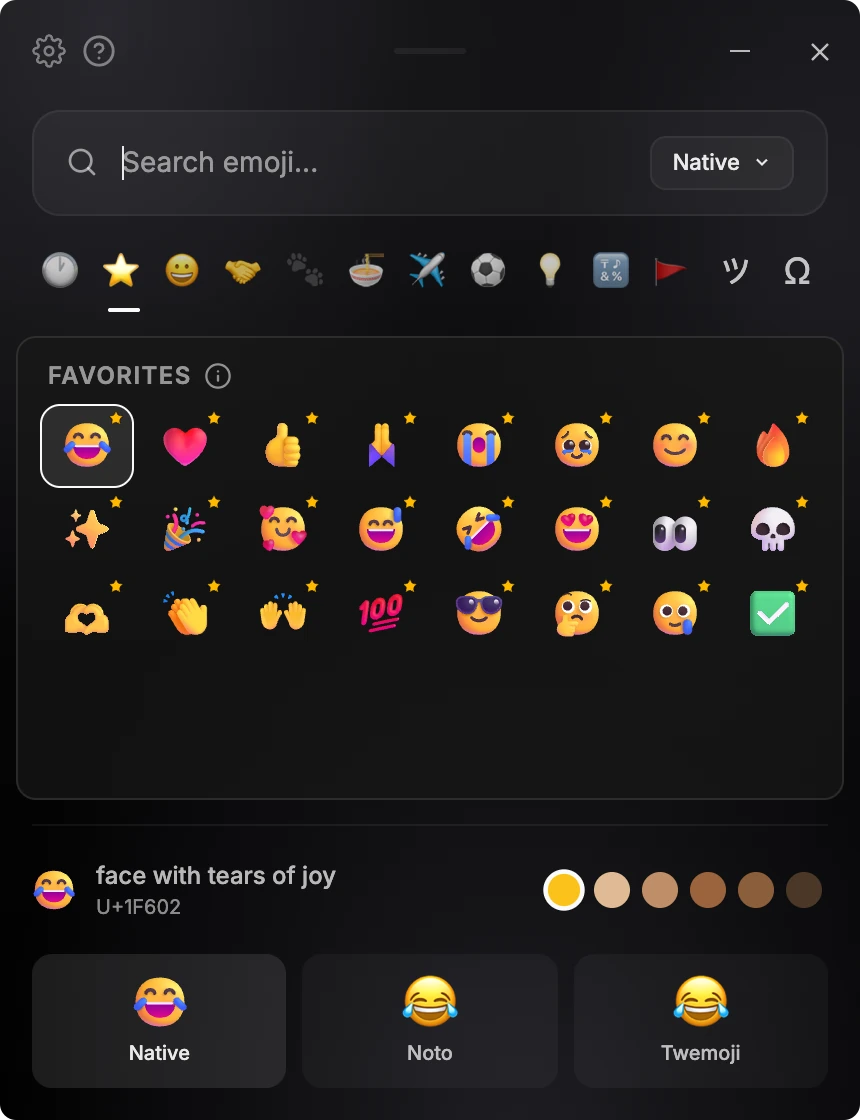
The four styles
- Native
- The emoji your computer draws. On Windows that's Microsoft's design, and on a Mac it's Apple's.
- Noto
- Google's open-source emoji set, also used by Android.
- Twemoji
- An open-source set Twitter first made, now kept up to date by its community.
- Fluent
- Microsoft's open-source Fluent Emoji in their 3D look, on a Mac. On Windows, Native already shows Microsoft's own emoji.
What the other person sees
The style only changes how emoji look on your screen. Easymoji pastes the standard emoji character, the same one your keyboard would type.
The person you message sees it in the design of their own device or app.
So pick the style you like to look at. It never changes what you send.
Compare and switch styles
- Move to an emoji with the arrow keys.
- Press Ctrl+E on Windows or Command+E on a Mac to see it in every style side by side. You can also hold Shift and point at an emoji.
- To switch, click a style there, choose one in the menu next to search, or press Ctrl+1-3 on Windows or Command+1-4 on a Mac.
- To keep a style, choose it under Default Emoji Style in Settings.
If a style has no picture for an emoji, Easymoji shows the Native one.

Every style in one picker
Easymoji is an emoji picker for Windows and macOS. It opens with one shortcut and pastes where you were typing.
- Every style side by side
- Native, Noto, and Twemoji, plus Fluent on a Mac, compared with one shortcut.
- Skin tones
- Choose a default skin tone, and every emoji that supports one follows it.
- Search in your language
- Search in English, and in Korean, Japanese, Chinese, Spanish, or French when the app uses that language.
- Pastes where you were
- Pick with the keyboard, or click. Easymoji pastes it into the app you were using.
One-time purchase. 14-day refund.
By purchasing, you agree to the Terms and acknowledge the Privacy Policy.